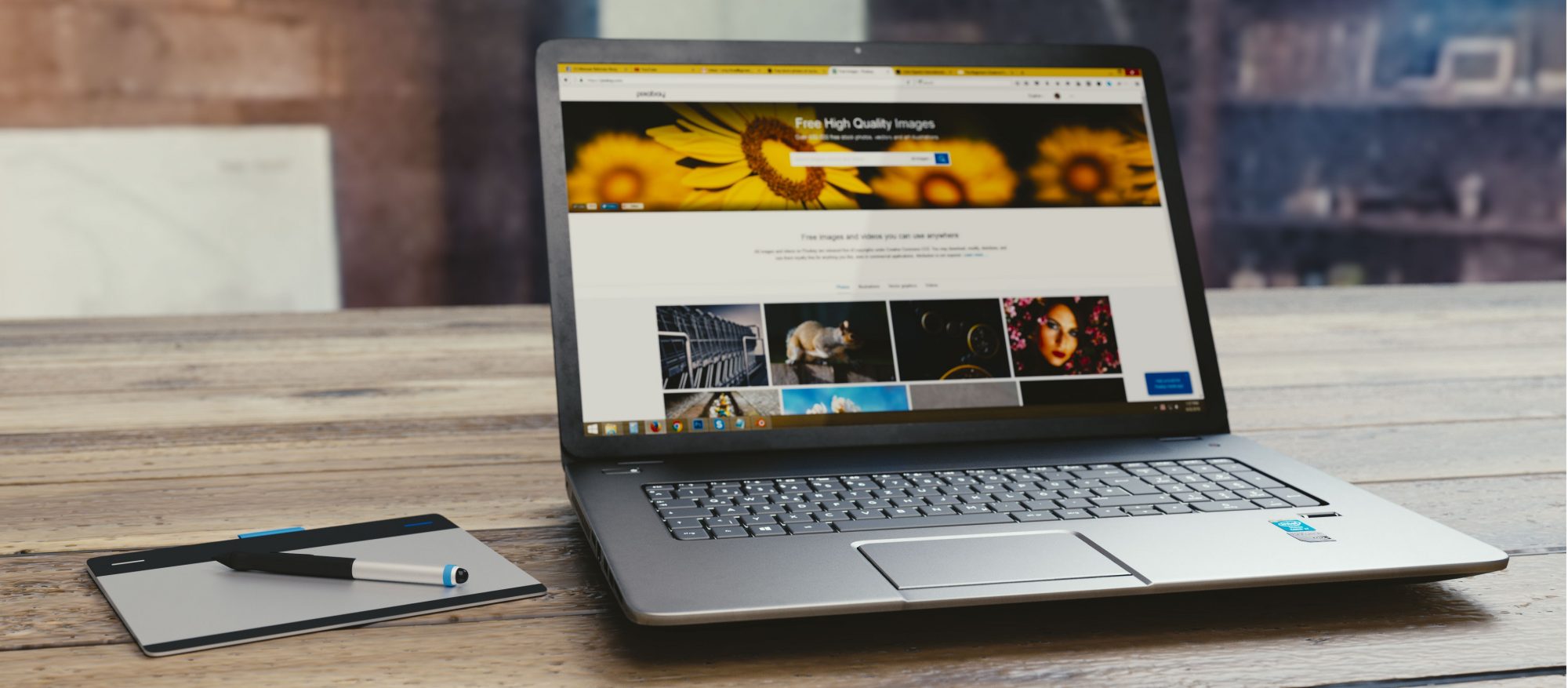
The HP Pavilion 15 line is HP’s high-end Pavilion range, offering i7 processors and dedicated NVIDIA graphics cards inside. The 2 laptops both have similar specs, but the one I have for this review is the HP Pavilion 15 CS0099TX which comes with an Intel Core i7-8550U, 2GB NVIDIA GeForce MX150 graphics, 1TB HDD with 16GB of Intel Optane Memory and 4GB of standard 2400MHz DDR4 RAM. It comes with a clean, and sleek looking aluminium chassis which compliments the look and feel of the laptop.
Design and I/O
The Ultrabook has a sleek and stylish design with some jagged edges on the side which I really like the look and feel of. It is made of aluminium, and it gives it a satisfying heft, but nothing unmanageable, clocking in at about 1.85kg which is a very similar weight to the $2000 Dell XPS 15. The I/O on this laptop is quite good, and it includes 1 USB-C 3.1 Port, which can be used to charge the device, 1 HDMI 1.4 Port, 1 Gigabit Ethernet Port, a headphone jack (a rarity in 2018), AC Charging Port, 2 USB 3.0 Ports for data transfer, and a full-sized SD Card reader. The Ultrabook has sleek side bezels, and small top and bottom bezels, and it comes with a 15.6 inch 1920×1080 screen. It also comes with a large array of Bang & Olufsen branded speakers which produce clear audio, and get very loud, but lack some bass.


Performance and Gaming
The performance on this laptop is what you expect for the $1500 price tag on a sleek and light Ultrabook, with the added benefit of the MX150 dedicated graphics card, which means this laptop will overclass any other thin Ultrabook in its price range, because most of them run off of integrated Intel UHD 620 graphics, which brings back dismal performance in gaming. The quad-core i7-8550U allows this laptop to perform multiple tasks at once without slowing down. I only ever hear the fan when gaming, but when you hear it, you really hear it. It remains much cooler than I expected from an aluminium Ultrabook, and the underside doesn’t become hot at all because the fan is top firing, however, the speaker system can get a little hot, being right next to that fan. I know this laptop only comes with a HDD and not an SSD, but the Intel Optane Memory speed up day to day tasks exponentially especially turning on the computer, only taking about 5 seconds. Below you will see the results that the laptop achieves in gaming.
Counter Strike: Global Offensive: 88-128 fps High Settings 1920×1080
Rainbow Six: Siege: 48-65fps Low Settings 1920×1080
Planetside 2: 32-71fps Medium Settings 1920×1080
Fallout 4: 64-86fps Low Settings 1920×1080
PUBG: 28-43fps Low Settings 1920×1080
Battery Life
This laptop has exceptional battery life, lasting around 4-5 hours multitasking between Word and Chrome, and 6 hours of Netflix binging before requiring a top off. The inclusion of a U series processor gives the laptop less power consumption, which is why I am glad that HP included that chip in this Ultrabook. It’s not the greatest battery life, especially compared to something like the LG gram, but it’s OK.
Keyboard and Trackpad
The keyboard on this laptop is exactly what I look for when I shop for a laptop. Deep key presses, a very responsive keyboard which doesn’t require too much pressure on the keys, but not too little that accidental key presses are common. I appreciate the software making sure I don’t have to press Fn when performing the function written on the F keys (Acer…) but please get rid of the useless help key on F1 which I accidentally press quite regularly while gaming, which just Bings, yes Bings, how to get help in Windows 10. The inclusion of a full sized Numpad is appreciated too HP. Why at this price point it isn’t backlit, I have no idea, and on the manual, it states backlighting is included on other models, which is why the F5 key is blank. Unfortunate, I can not bring as much praise about the trackpad. It is small, which isn’t a massive problem, and the hardware is fine, but the software is a significant problem and there is no reason why manufacturers still do this. This laptop includes ELAN drivers, instead of Windows Precision Drivers, which is bad for accuracy and speed.
Display
The display on this laptop is 15.6 inches and it comes with a resolution of 1920×1080. The screen gets very bright, but it is still had to see in direct sunlight. It does not support such a wide colour gamut which is fine for most use cases, but not for videographers or photo editors, where the Dell XPS 15 is the best Ultrabook for them.
Overview
This laptop offers good value for the price with the inclusion of GeForce MX150 graphics, and it can compete very well in gaming to the other laptops at this price point. I would recommend this laptop to anyone looking for a 15 inch Ultrabook, as it is a great choice for a wide variety of users, as it is a very versatile machine that can meet the needs of many different consumers, especially at this price point.

 Tech Input